September 10th, 2025

๐ VDraw is now updated to version 1.2.2.0!
๐ New Feature:
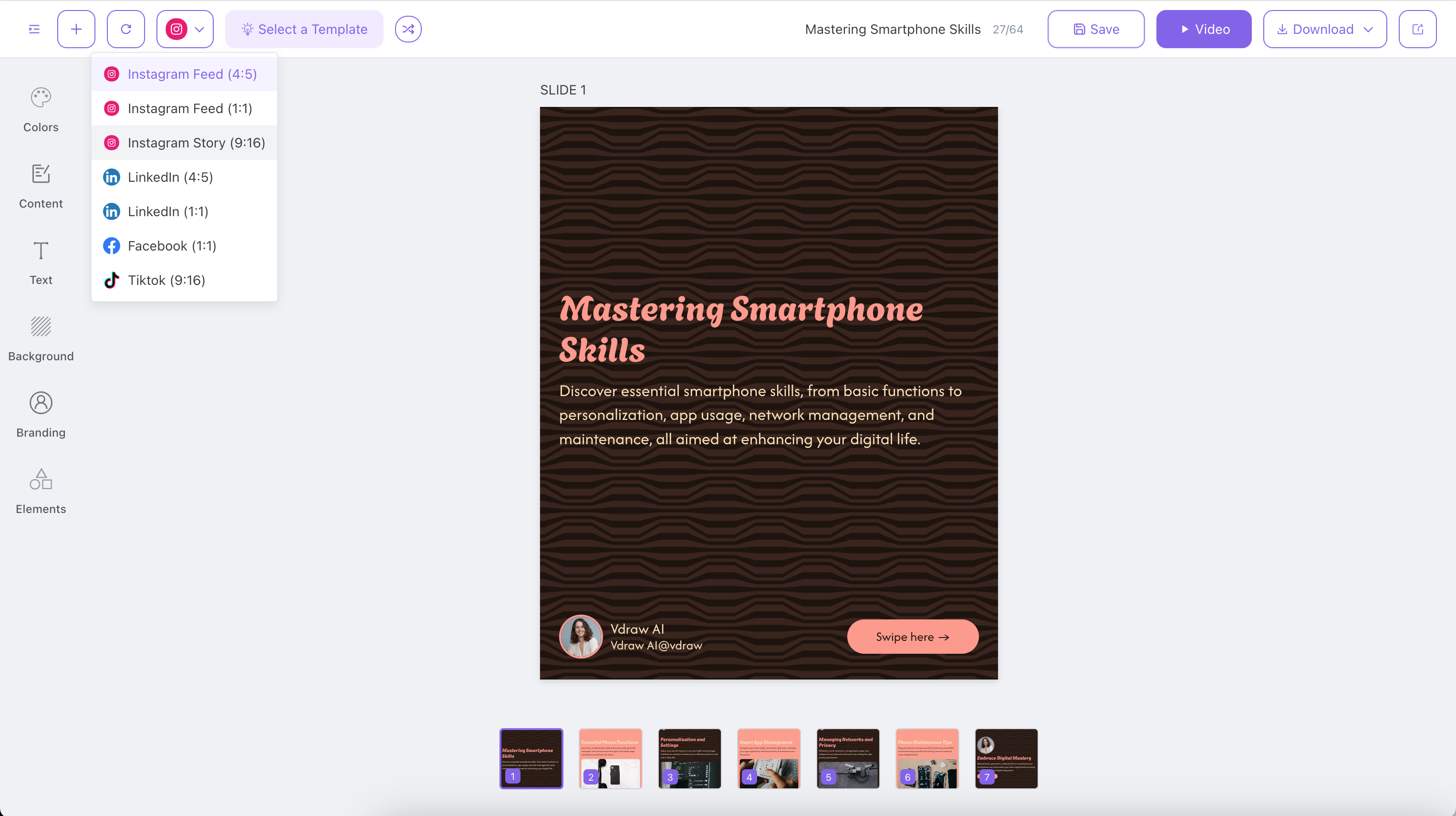
It can adapt to the picture ratio of major social media platforms, including Instagram, LinkedIn, Facebook and Tiktok.
Come and have a try~August 18th, 2025
๐ VDraw is now updated to version 1.2.1.0!
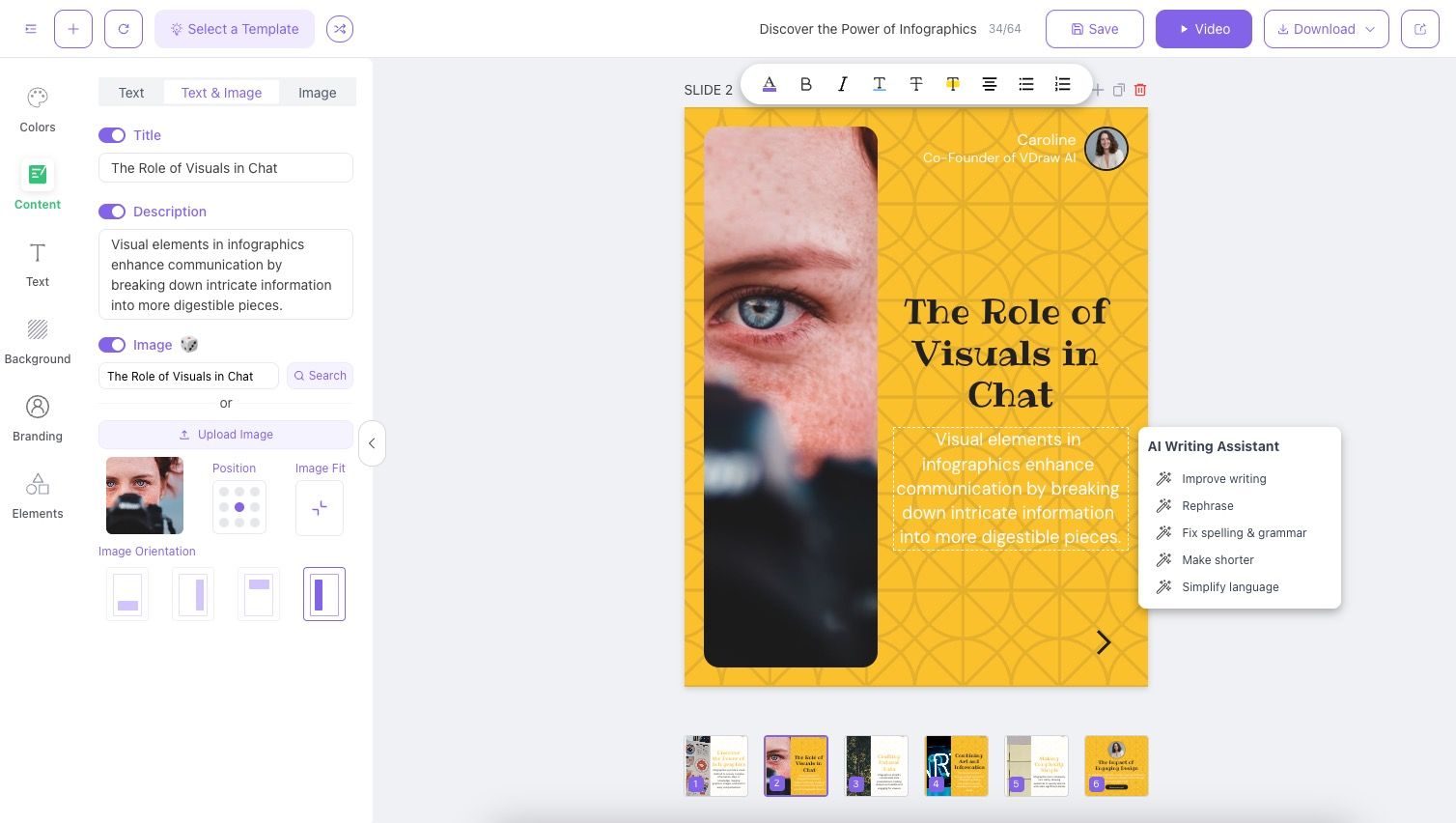
๐ New Feature: AI-powered text enhancement
Give it a try today ~
August 13th, 2025

๐ VDraw is now updated to version 1.2.0.0!
This update is packed with fresh features to make your creative flow even smoother. ๐
๐ New Features
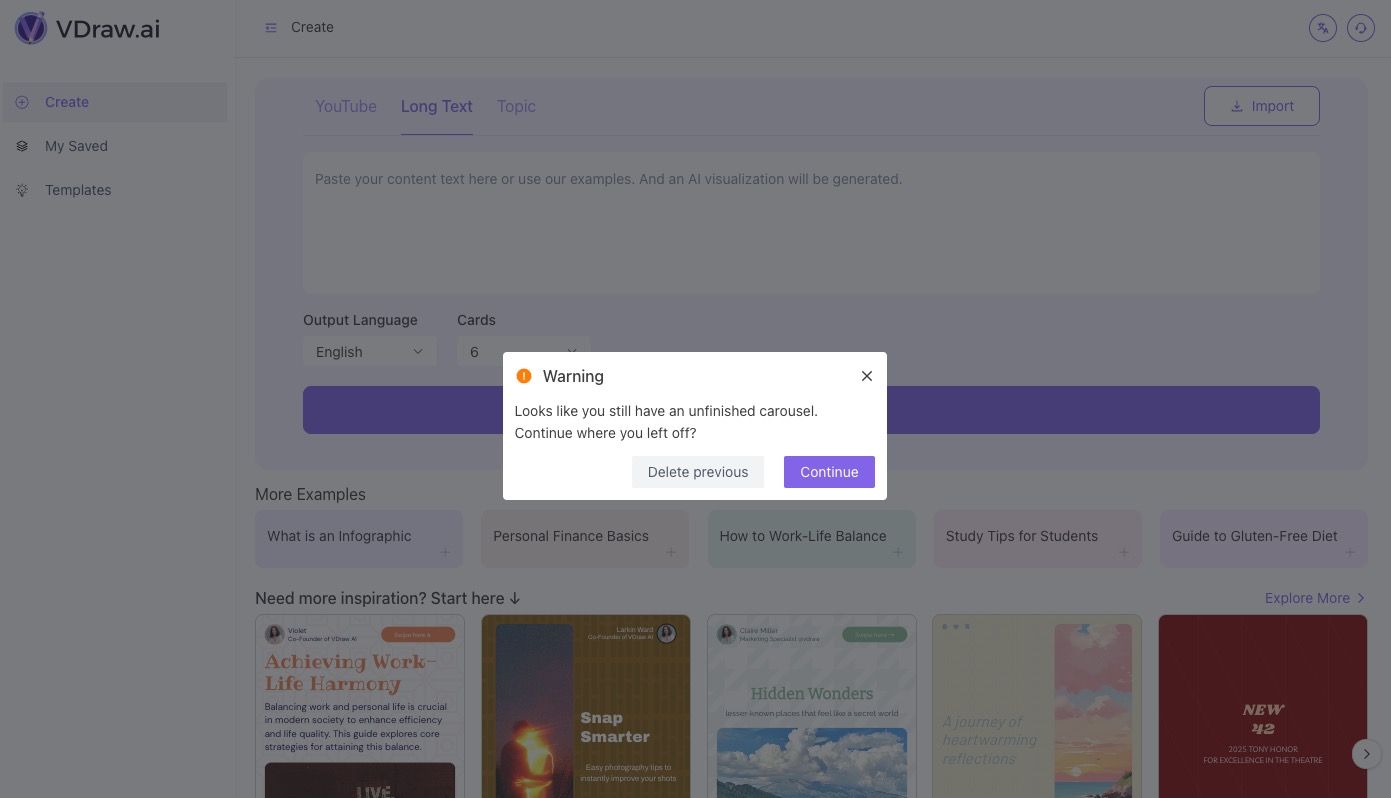
Generate Slides one by one for more control over your content
Progress saving so your work is always safe
Resume unfinished Slides generation right where you left off
Structured text processing for cleaner, smarter layouts
August 5th, 2025

๐ VDraw is now updated to version 1.1.11.0!
Hereโs whatโs new in this release:
๐ New Features
Saved Projects now support creating duplicates
You can now add or duplicate individual Slides with ease
๐ ๏ธ Improvements
Faster Save performance
Exported image resolution has been increased
Watermarks removed for a cleaner final output
July 24th, 2025

๐ VDraw is now updated to version 1.1.10.0!
This one's short, sweet, and powerful ๐ฅ
๐ Whatโs New
๐ฌ Slides โ Video!
You can now turn your Slides into videos with just one click โ perfect for sharing anywhere!
๐ ๏ธ Whatโs Improved
๐ Top bar layout makeover
Weโve polished up the top navigation layout for a cleaner, more intuitive workspace.
July 17th, 2025

๐ VDraw is now updated to version 1.1.9.0!
Say hello to some sweet new text powers ๐
๐ New Features
โ๏ธ New "Text" module in the sidebar
You can now adjust font family and font size directly from the new Text panel โ all in one place!
๐๏ธ Rich text editing on canvas
Click on text in the Title or Description areas to style it up โ bold, italic, underline, and more!
๐ค More fonts, more fun
Weโve added a bunch of new fonts to help your content stand out and match your style.
July 10th, 2025

๐ VDraw is now updated to version 1.1.8.0!
Hereโs whatโs shiny and new in this release:
๐ New Features & Improvements
๐ผ๏ธ Preview moved!
The preview image has slid from the left all the way down โ now sitting neatly at the bottom of your Slides.
๐งญ Smarter sidebar = smoother workflow
The left-side tool panel is now a sticky navigation bar, organized by feature type and always within reach.
๐๏ธ Better organization, better flow
Weโve regrouped the feature panel contents to help you find what you need, faster.
๐ท๏ธ Content upgrades!
New Tagline module added to the first and last slides
Swipe and CTA buttons are now fully editable โ go wild โ๏ธ
๐ค Branding update
The avatar upload option in the Content module has been fully moved to the Branding section for a cleaner setup.
July 1st, 2025

๐ VDraw is now updated to version 1.1.7.0!
Check out whatโs new in this release:
๐งฉ More templates, more choices!
The โSelect A Templateโ popup now includes even more templates to spark your creativity.
๐ Freshness sorting is live!
Templates can now be sorted by freshness, so the newest ideas are always at your fingertips.
June 25th, 2025

๐ VDraw is now updated to version 1.1.6.0!
Hereโs whatโs new and improved in this update:
โจ Improvements
Refined the layout and decorative elements within Slides โ everything looks just a bit more polished now!
User avatars got a glow-up! They now display more clearly and consistently.
๐ New Features
Say hello to the Template Gallery and Inspiration Shuffle โ perfect for when you need a creative spark!
Your pre-login page is now remembered, so youโll land right where you left off.
Added a friendly version update pop-up to keep you in the loop when new features arrive.
June 13th, 2025

๐ VDraw is now updated to version 1.1.5.0!
Hereโs whatโs fresh and improved in this release:
๐งฉ Smarter layout! Weโve refined how elements are arranged on the canvas for a cleaner look.
๐ผ๏ธ Interactive image elements! You can now click directly on images to swap them out โ super easy.
๐ Faster type switching โ no more lag when you toggle between types!
๐ง Outline module? Gone! Now you can jump straight from prompt to finished slides โ one step to magic.
๐ช Polished the Input module display for a smoother editing experience.
๐จ Slide color transitions got smarter (and prettier).
โ๏ธ Image cropping now works better than ever โ crisp, clean cuts every time.